Students converting problem sets
Use the Android scanner when the fastest route is to capture existing material and continue editing it in a document workflow.
Convert scanned or image-based PDF math equations into Word-ready editable output instead of static pasted images.
PDF equations are often locked as static content. This scanner helps extract math from PDF screenshots or pages and move it into a Word editing workflow.
Use the Android scanner when the fastest route is to capture existing material and continue editing it in a document workflow.
Use the Android scanner when the fastest route is to capture existing material and continue editing it in a document workflow.
Use the Android scanner when the fastest route is to capture existing material and continue editing it in a document workflow.
Take a clear scan or choose an existing image, screenshot, or document page.
Run local-first OCR for normal pages or use optional cloud assist for dense formulas and complex layouts.
Move the result into a Word, PDF, LaTeX, clipboard, or OMML-oriented workflow for editing and sharing.
| Need | Generic OCR | AI Offline Scanner |
|---|---|---|
| Formula-heavy pages | Often returns plain text or flat images | Built around math OCR and Word-ready export |
| Private documents | Often requires upload-first processing | Local-first processing with optional cloud assist |
| Editing after export | Can produce scattered text boxes | Focuses on editable document workflows |
This is why the page targets a narrower, higher-intent search instead of competing only for broad OCR terms.
This is why the page targets a narrower, higher-intent search instead of competing only for broad OCR terms.
This is why the page targets a narrower, higher-intent search instead of competing only for broad OCR terms.
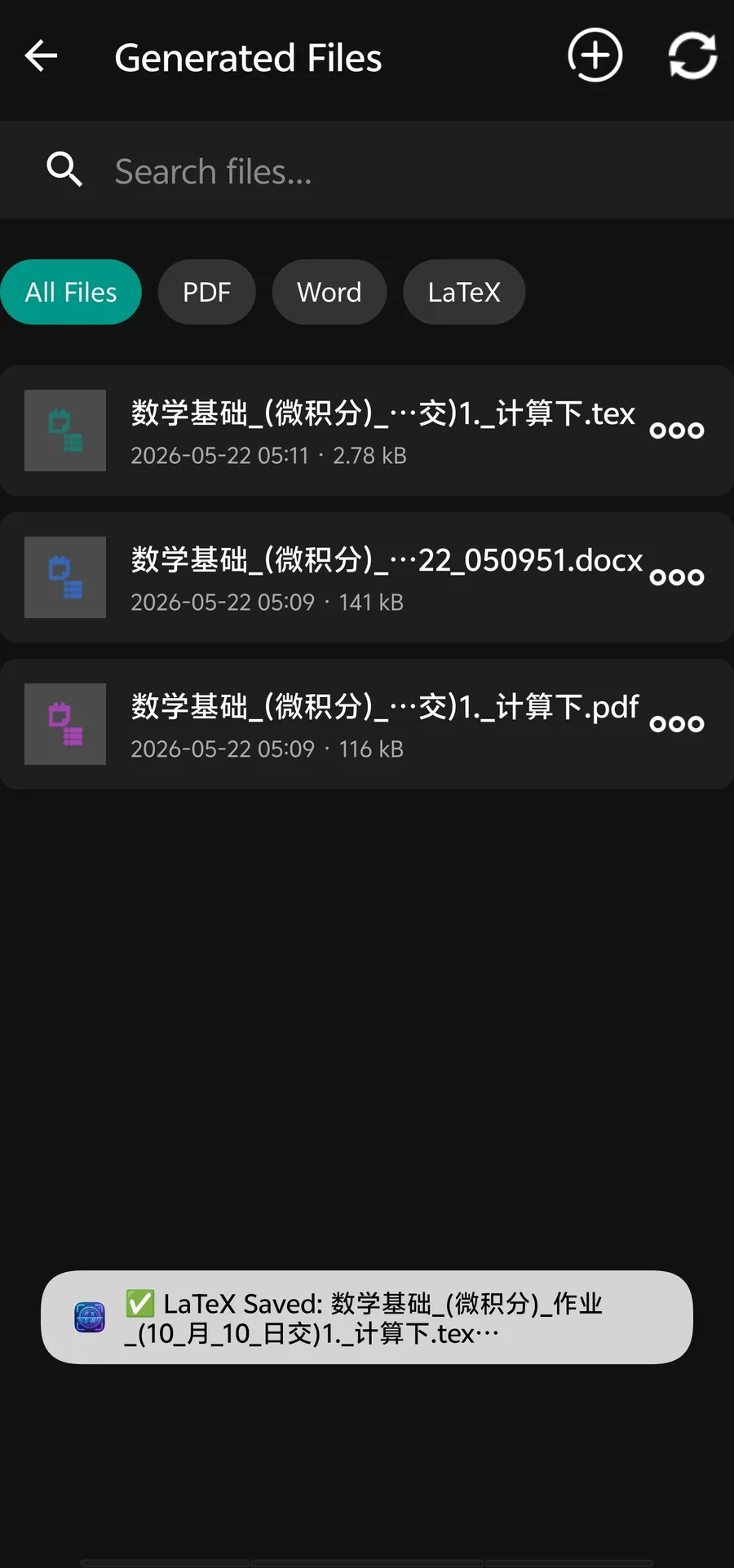
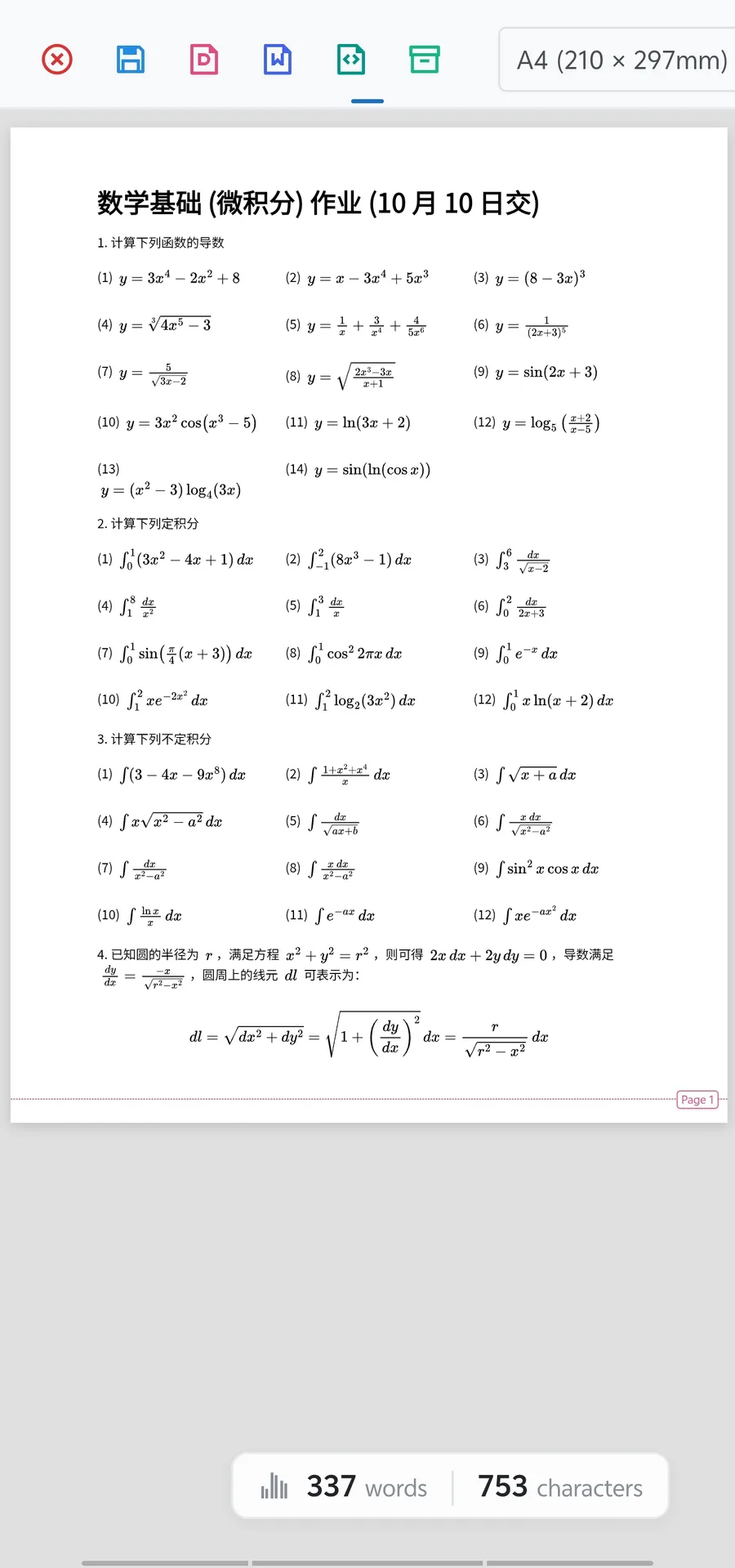
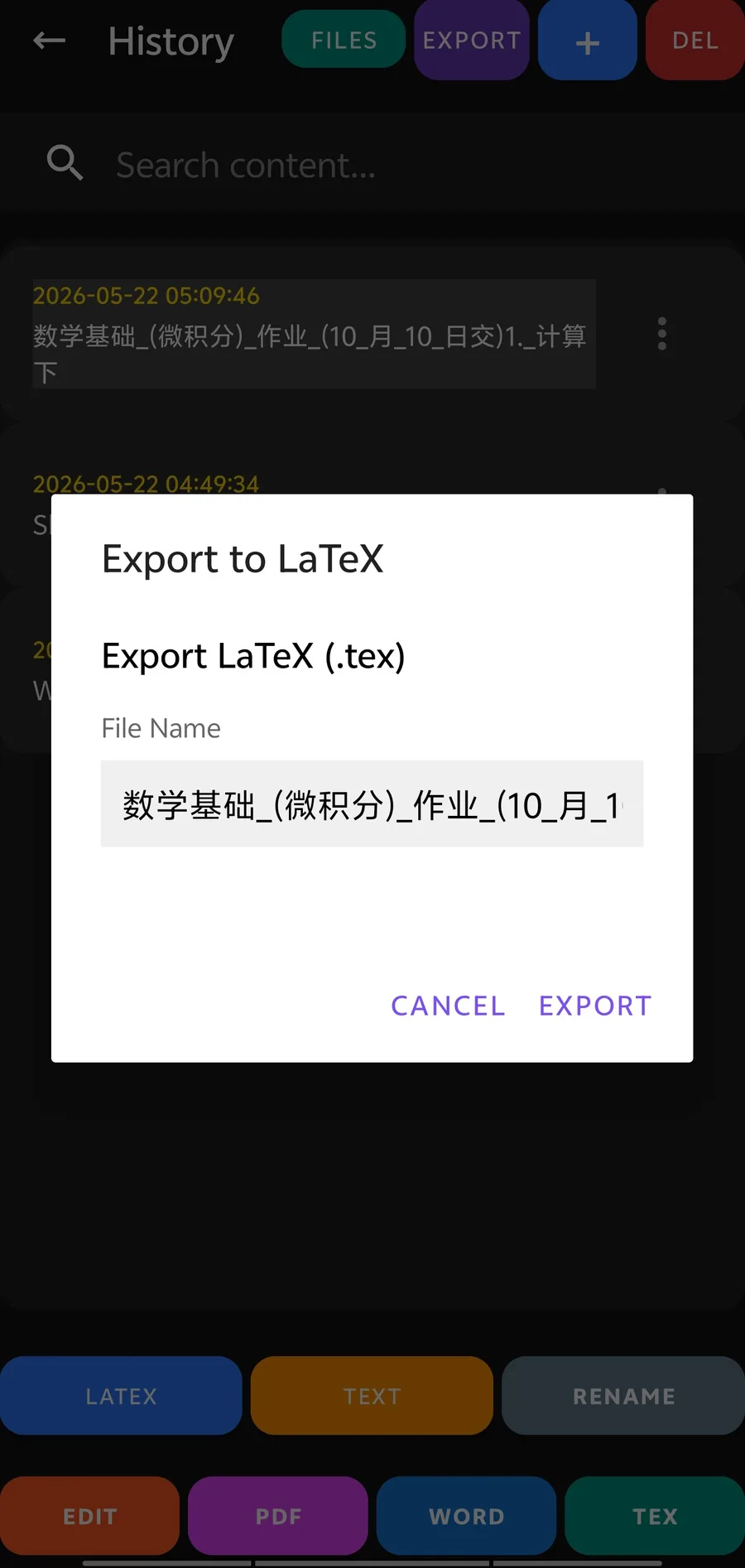
Yes. You can scan or capture PDF pages and export recognized math into Word-oriented formats for further editing.
Scanned PDFs are one of the main OCR use cases. Clear scans with strong contrast produce better results.
If text is already selectable, direct text extraction may be faster. OCR is most useful for scanned or image-based PDFs.