Math to Word
Recognize equations and export results for Microsoft Word instead of retyping symbols by hand.
AI Offline Scanner helps you turn formulas, double-column papers, notes, receipts, and textbook pages into editable text, Word documents, PDFs, LaTeX, or native OMML formulas.
General OCR tools are fine for plain paragraphs. This scanner focuses on harder workflows: math formulas, chemistry notation, structured documents, and Word-ready exports.
Recognize equations and export results for Microsoft Word instead of retyping symbols by hand.
Convert formulas into Word-friendly Office Math Markup Language when you need editable output.
Use on-device OCR for private scans, with optional cloud assist for unusually complex pages.
Handle papers, notes, and multi-column pages without losing the structure you need to edit later.
These screens show the actual OCR workflow: scan a math worksheet, preview the recognized page, and generate Word, PDF, and TeX files.
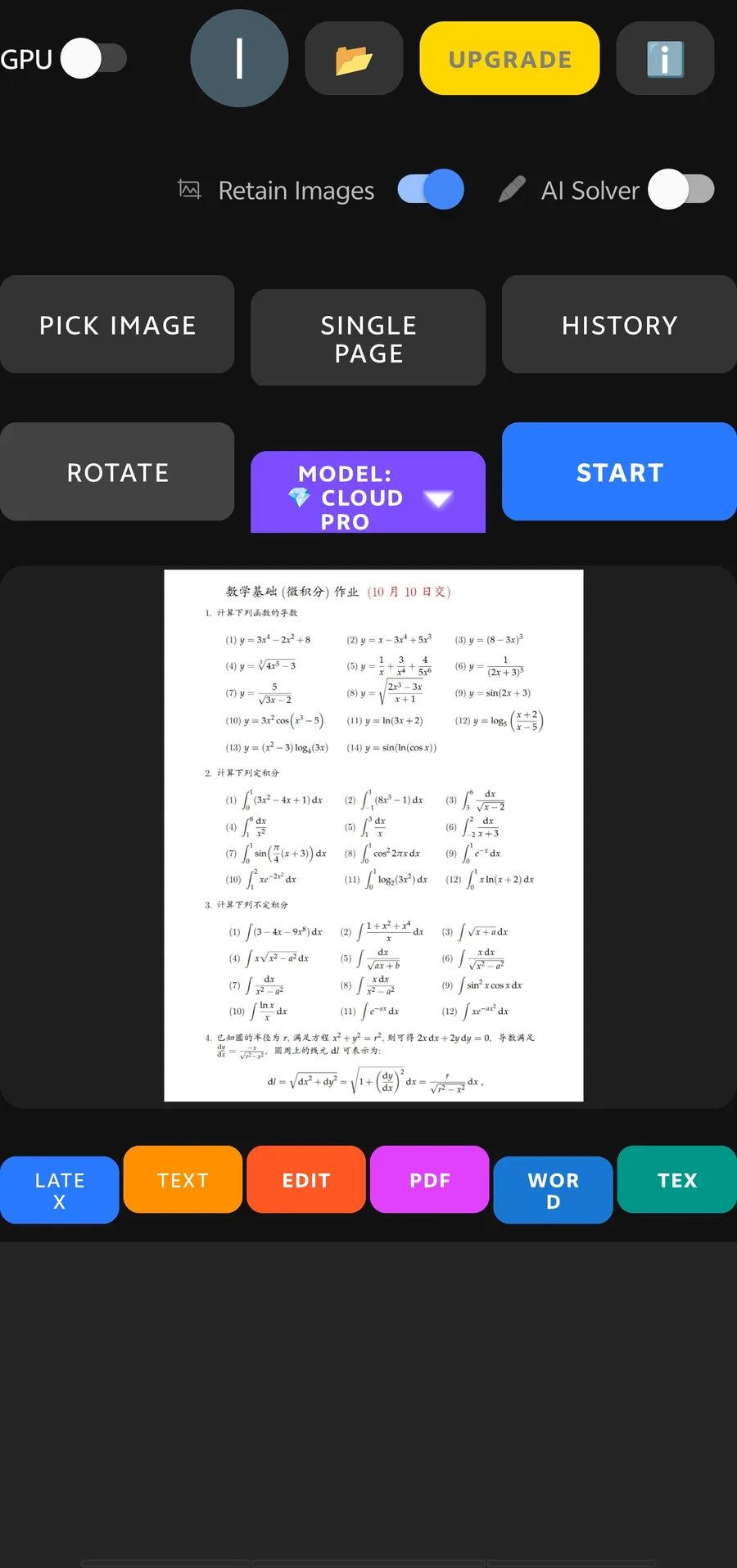
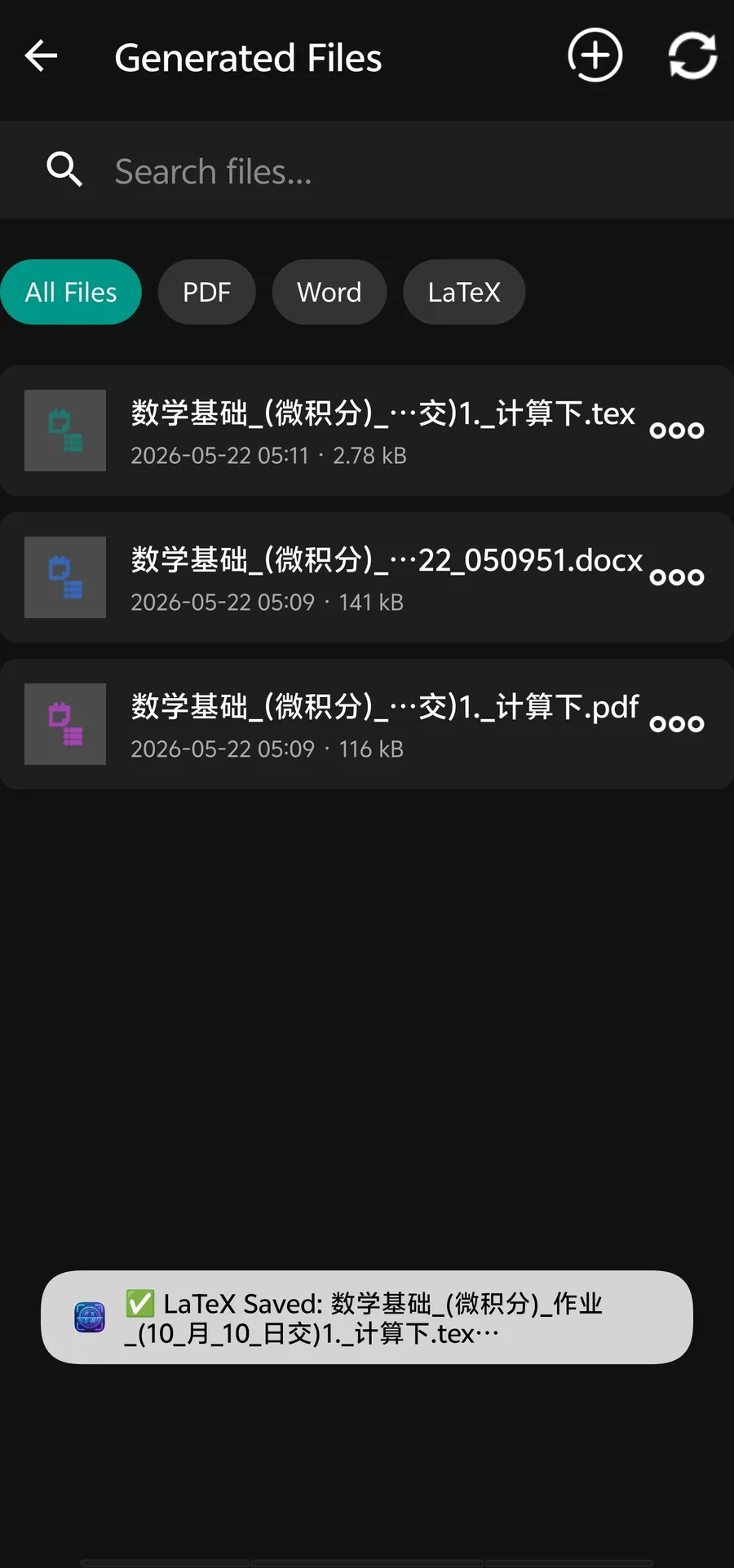
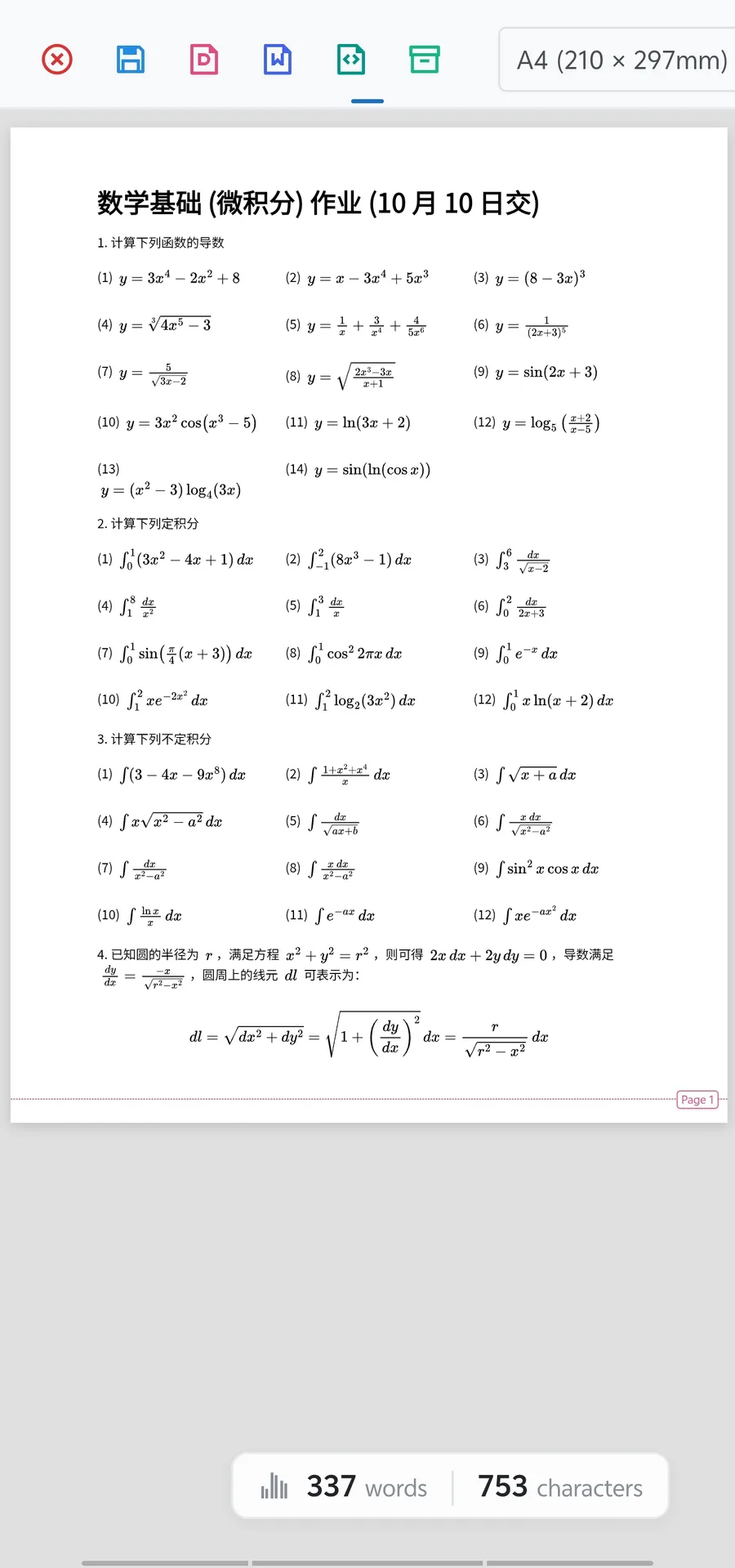
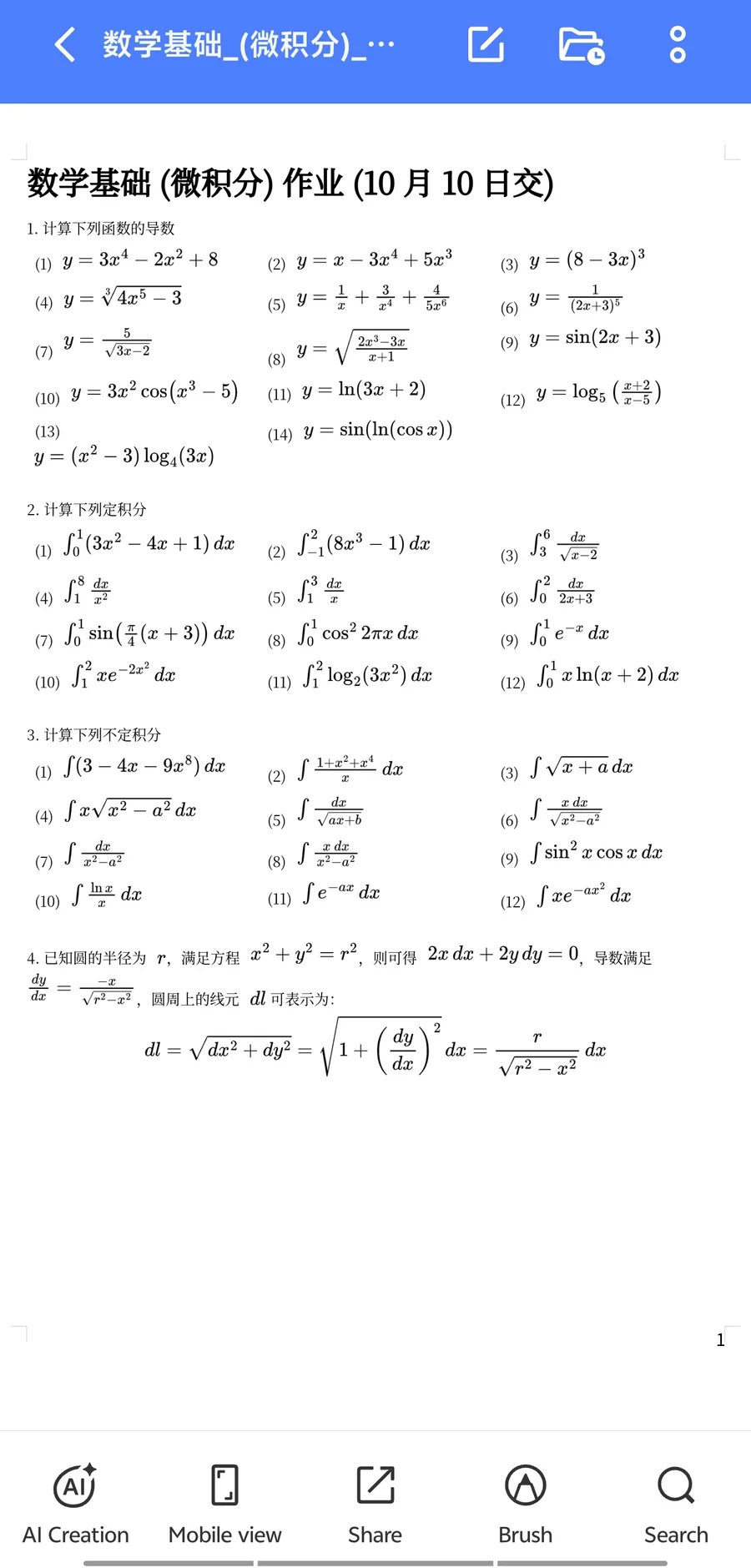
The site should make the product promise concrete: users are not only extracting text, they are turning technical pages into files they can edit and reuse.
Photograph a formula, worksheet, PDF page, receipt, or textbook section with your Android phone.
Use local-first OCR for private scans, then review the extracted text and formulas before export.
Move the result into Word, PDF, LaTeX, clipboard, or OMML-oriented workflows for editing.
Search traffic for OCR is broad. These export-focused phrases help attract users who already know what they need after recognition.
These are the high-intent searches this site should rank for first. They are narrower than "free OCR online", but much closer to real app installs.
Scan textbook equations, lecture notes, PDFs, and Overleaf exports into editable study material.
Digitize old exams, answer keys, chemistry papers, and multi-column worksheets for reuse in Word.
Extract text from private documents with a local-first scanner instead of uploading every file by default.
Privacy and accuracy are the two biggest objections for OCR tools. Make both visible before asking users to install the app.
Each page targets a specific search intent, from Mathpix alternatives to OMML Word conversion and messy PDF-to-Word cleanup.
Yes. AI Offline Scanner is built for math OCR workflows and can export recognized formulas into editable Microsoft Word formats, including native OMML when supported by the workflow.
The app is designed around local-first OCR for private document scanning. Optional cloud assist is available for complex formulas or layouts when higher accuracy is needed.
It is especially useful for students, STEM teachers, researchers, and professionals who need to digitize formulas, double-column papers, notes, and technical documents quickly.
Use the app for the full local-first scanner, math OCR, and Word export workflow. Use the web demo only for quick basic OCR tests.